
Camera and capture
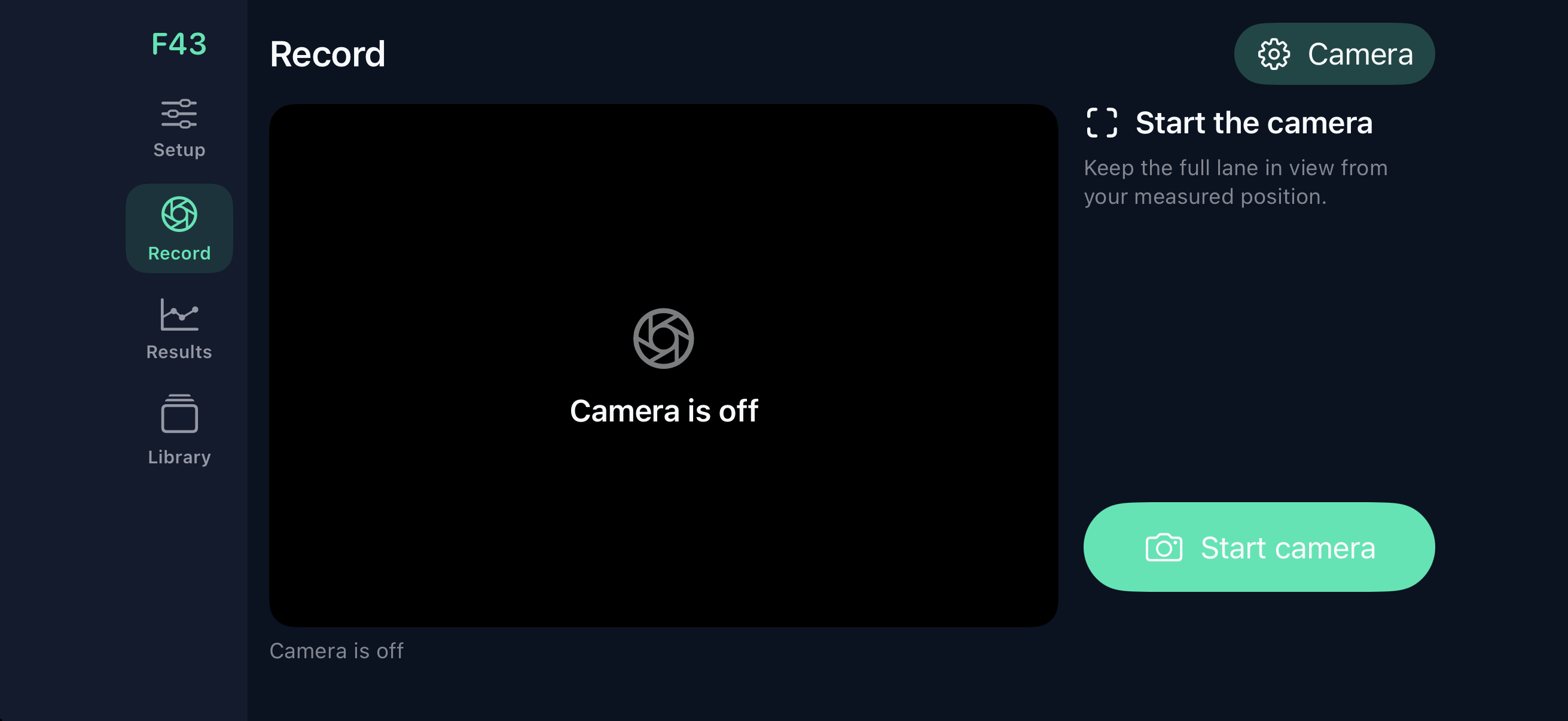
Flight43 discovers the iPhone’s supported rear-camera formats and displays the available resolution, frame rate and exposure limits. High-speed capture requires a supported format of at least 120 frames per second; the app does not assume every iPhone has the same camera.
Use a short, fixed exposure to control blur, then adjust ISO for the available light. Full sun is the intended starting environment. Hardware limits are shown in the app.
Flight and spin
The flight fit combines frame timing, camera calibration, ball observations and a physical model of gravity, drag and lift. Radar speed can constrain the fit when a compatible reading is available.
Surface rotation uses visible seams or optional marks. A separate Magnus model infers transverse spin from movement. The app retains method labels and evidence checks; unavailable measurements are left unavailable.
The models have not yet been field validated. There are no published performance or accuracy claims.
Optional radar
Radar is optional, off by default and available in Setup → Advanced settings. Recording and analysis work with the camera alone. Enable Use radar (optional) only if you want to add speed readings from compatible Bluetooth hardware.
The current integration receives supported Bluetooth radar notifications while the radar’s companion app initializes a new session. It does not replace radar setup or control every radar device.
Pitch matching considers a delayed speed report and slower catcher return throws. You can review the selected reading. A Bluetooth connection alone does not prove a speed belongs to a particular pitch.
What you need
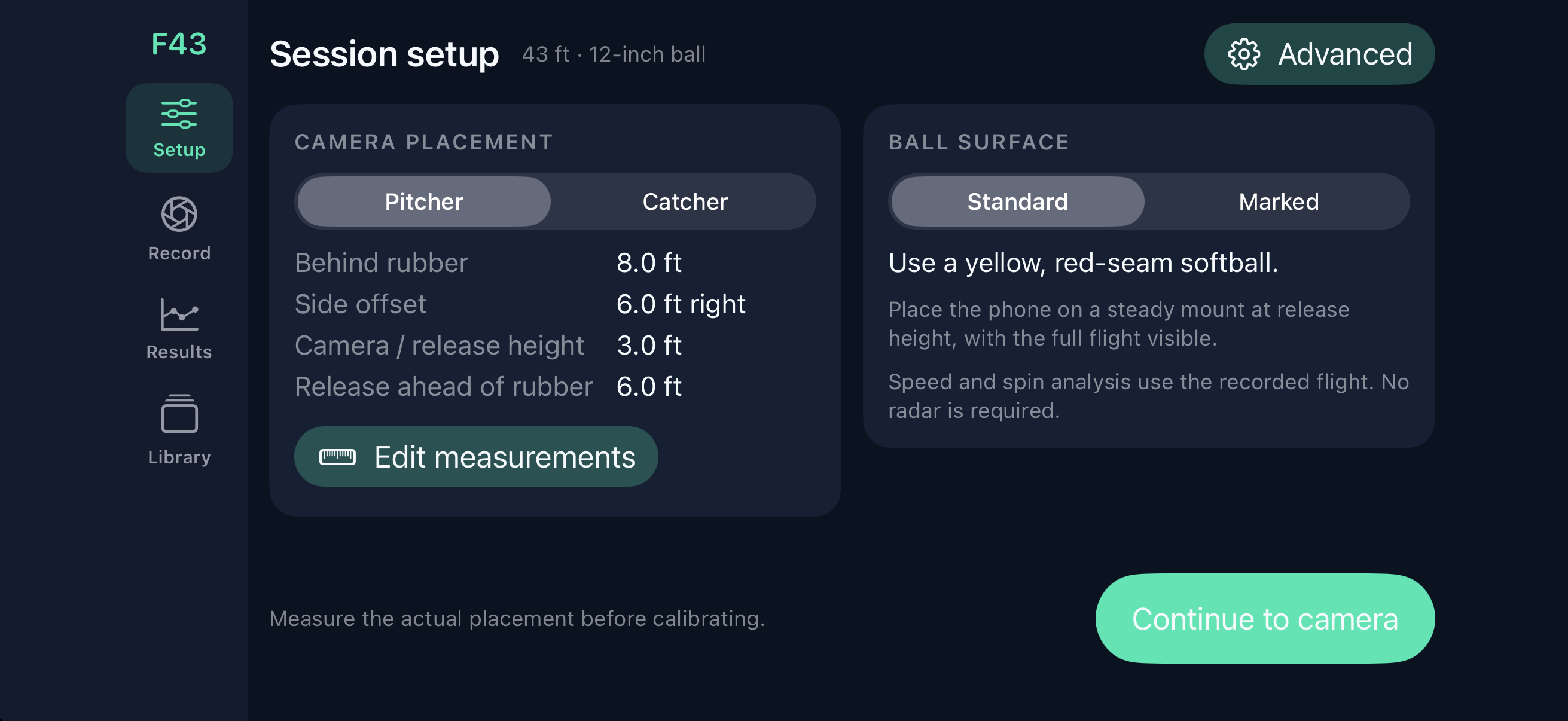
- An iPhone running iOS 17 or later with a rear camera that exposes a supported high-speed format.
- A tripod or fixed mount and a clear view from behind either player at release height.
- A measured 43-foot pitching distance and a nominal 12-inch-circumference softball.
- Bright, consistent light and sufficient local storage for high-speed video.
- Optional compatible Bluetooth radar. Flight43 is not compatible with every radar model.
Your pitch library
Capture video and available analysis stay on the iPhone. Review stored pitches, export a record using the system share sheet, or delete it from the app’s library. Flight43 does not upload videos to an app-operated server.
Read the privacy policy for backup, export and support-email details.